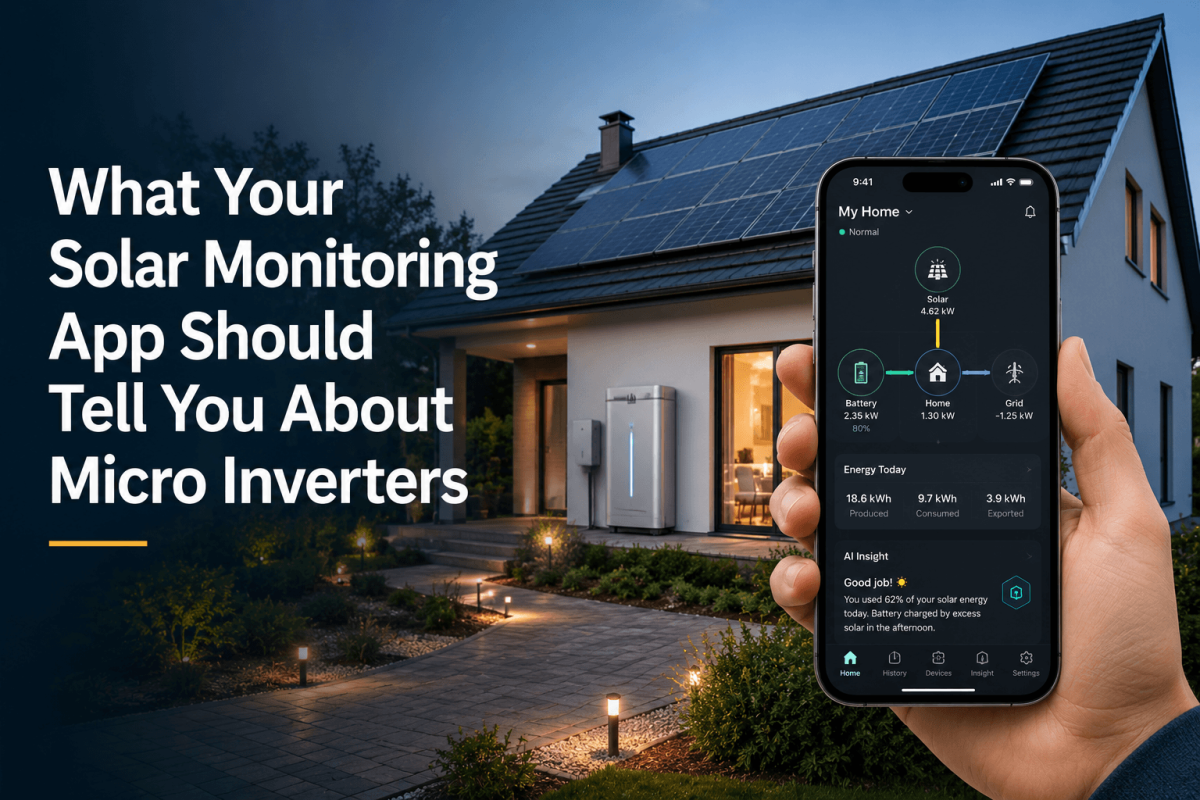
A solar app should not feel like a novelty you open twice and forget. It should answer the small, practical questions homeowners actually have. Is the system producing? Did yesterday’s storm affect anything? Why did the battery charge then? Where did the afternoon solar go?
When a home uses micro inverters, monitoring becomes even more useful because production can be understood closer to the panel level.
The first screen should make sense
Good monitoring starts with energy flow. Power comes from solar, moves into the home, charges storage, exports to the grid, or feeds other loads depending on the system. If the app makes that path confusing, homeowners stop looking.
A solar monitoring app should show what is happening now without requiring the user to decode engineering shorthand. Live production matters, but so does context. A cloudy afternoon should not look like a fault. A battery charging from excess solar should not look mysterious.
Sigenergy’s solar monitoring app is designed to show home energy flow from generation to consumption. According to Sigenergy, mySigen includes real-time home energy flow charts and comprehensive energy data graphs for home energy production and consumption.
Micro inverter monitoring should be specific
One of the practical reasons people choose micro inverters is better visibility into module behavior. If a single panel is shaded, dirty, disconnected, or underperforming, the monitoring experience should help narrow the issue.
That does not mean homeowners need a dashboard full of technical clutter. The best interface keeps the everyday view simple and lets the installer or advanced user drill down when needed.
For example, a homeowner may only need to know that the system is producing normally. An installer may need to see which module is reporting differently from the rest. Both views can be true if the software is designed with real users in mind.
The battery layer adds new questions
Once storage enters the home, monitoring becomes less about “how much did solar make?” and more about “why did the system choose that action?”
Did the battery charge because tomorrow’s forecast is poor? Did the home import from the grid because rates were low? Did the system hold battery capacity because backup reserve was prioritized?
Sigenergy says mySigen includes Sigen AI Mode, AI Insight, and a GPT-4o-powered assistant. It also describes AI Insight as showing how the system performed over the last 24 hours and forecasting the next 24 hours of planned actions. Those time windows matter because homeowners think in days rather than instant readings.
Do not underestimate plain language
Energy systems can be technical, but the app should not make the homeowner feel like a visitor in their own house.
Useful alerts should say what happened, why it matters, and what to do next. A production dip after a week of storms may need no action. A module that stops reporting may need installer attention. A battery behavior change may simply reflect a tariff setting.
The more the app can explain, the fewer unnecessary service calls and late-night worries it creates.
Solar ownership does not end after installation. Weather changes, loads change, electricity plans change, and households add new devices over time. Monitoring is how the homeowner keeps up.
If you are comparing micro inverter systems, take a close look at the monitoring experience too. Sigenergy’s mySigen App shows how solar production, home consumption, battery behavior, and system insights can live in one place.